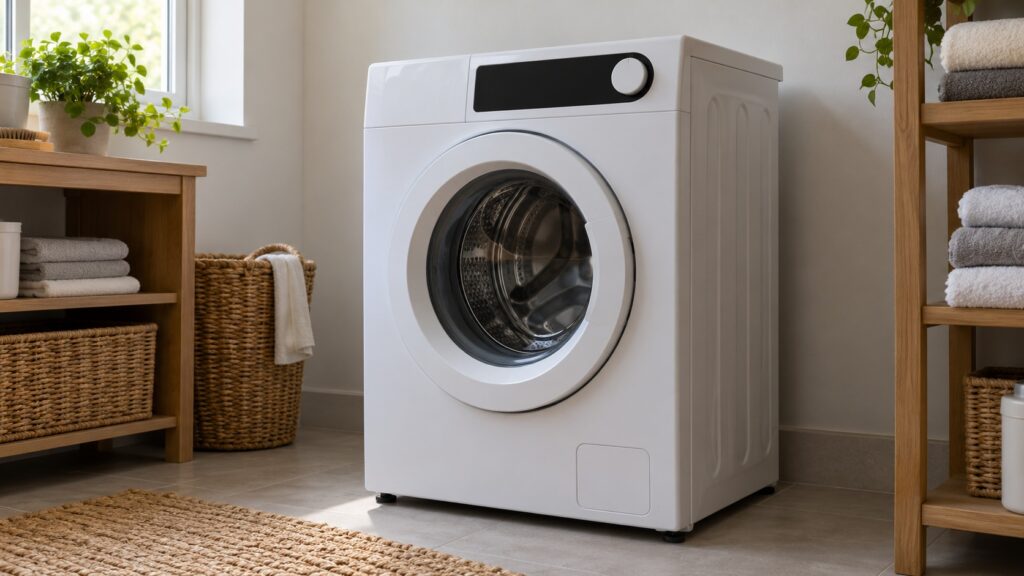
A Miele W1 reset starts with the safe first step, a power reset: switch the washer off at the wall or at the breaker for a few minutes and then restore power, which is the first move our pages suggest for most Miele problems. If the same code comes straight back, the problem is real and a reset will not fix it. Button combinations to cancel a program, clear a setting or return the washer to its defaults differ between models, and our pages do not list them, so those steps must come from the operating instructions for your exact W1. This guide explains the different kinds of reset, what each can and cannot do, and when to stop and call.
How do you reset a Miele W1 washer?
Start with the power reset. Our guide on the Miele washer door that will not open describes a power reset as a way to reset the lock, and the general advice on our code pages is that a power reset is a good first move for most problems (the time off varies from page to page, so follow your operating instructions), because electronics sometimes lock up after a power event. Do it with dry hands while standing on a dry floor, and use the breaker if you cannot reach the plug safely. Never pull a plug out of a wet outlet; if there is water near the outlet, switch the breaker off from a dry spot instead.
After the wait, restore power and start the washer as you normally would. If it works and the code does not return, the glitch has cleared. If the code appears again straight away, our pages say to treat it as a real problem pointing at the named part. Do not keep cycling the power over and over; that does not fix a fault and delays the repair.
What kinds of reset are there on a washer?
People use the word for three different things. A power reset restarts the electronics, as above. Canceling or changing a program stops a cycle that is running or switches to another one; the controls differ between the DirectSensor and M Touch models, so use your manual for the buttons or the touch steps. Returning the washer to its default settings clears the personal settings you saved; whether your model has that option and how to use it is in the manual. Our W1 buying guide explains the control styles, with DirectSensor on some models and M Touch on others.
We do not list button sequences here, because our pages do not have them and a wrong sequence can change settings you did not mean to touch. If your washer is sold under a name such as W1 Classic, look up the model number and use the manual for that number.
What problems does a reset not fix?
A reset restarts the control. It does not unclog a drain, replace a worn part or clear a tripped safety device. If the washer shows a water or door code, the cause is mechanical, and the right guide is the specific one: F11 not draining, F10 not filling, F20 not heating or F138 Waterproof System. The F138 guide matters especially: it describes the Waterproof System message as a flood-protection trip in which a float in the base sensed water, so look for the source of the water instead of repeating resets.
A reset also will not help with an electronics fault. Electronics codes such as F39, F100 and F104 need a technician. And a reset does not repair a washer that vibrates or leaks; see Miele washer vibrating for the first step there.
What should you note before you reset?
Write down the code and the message on the display before you act, because our pages say that a code narrows the diagnosis more than any other clue. Note what the washer was doing when the problem began: filling, washing, spinning, draining or at the end. Take a photo of the display if you can. Note whether the door is locked and whether there is water in the drum. If you have to call for service, this information saves time.
If the drum is full of water and the door is locked, do not force the door. Our door guide explains the lock and the code, and says never to pull it open against water. Use the drain pump filter only as the drain pump and lint filter guide describes, and keep towels ready.
How can you avoid needing a reset in the first place?
Most nuisance codes come from the basics, so the best prevention is routine care. Our Miele washer tips recommend leaving the door and detergent drawer slightly open between washes so the drum dries, cleaning the drain pump filter and the drawer regularly, running a hot maintenance wash now and then, and dosing HE detergent correctly, since overdosing causes suds that can trip the Waterproof System. Following that routine removes many of the causes of a washer that stops and shows a code.
When should you call a technician?
Call when a code returns right after a power reset, when the display stays blank, when the washer stops mid-cycle repeatedly, when the Waterproof System has tripped or when the door will not release. If you smell burning, see smoke or find water near the electrical parts, switch the breaker off at the panel while standing on a dry floor and do not run the washer again. We are an independent repair company, not the manufacturer. Our Miele washer repair page explains how a visit works, and you can schedule a visit online.