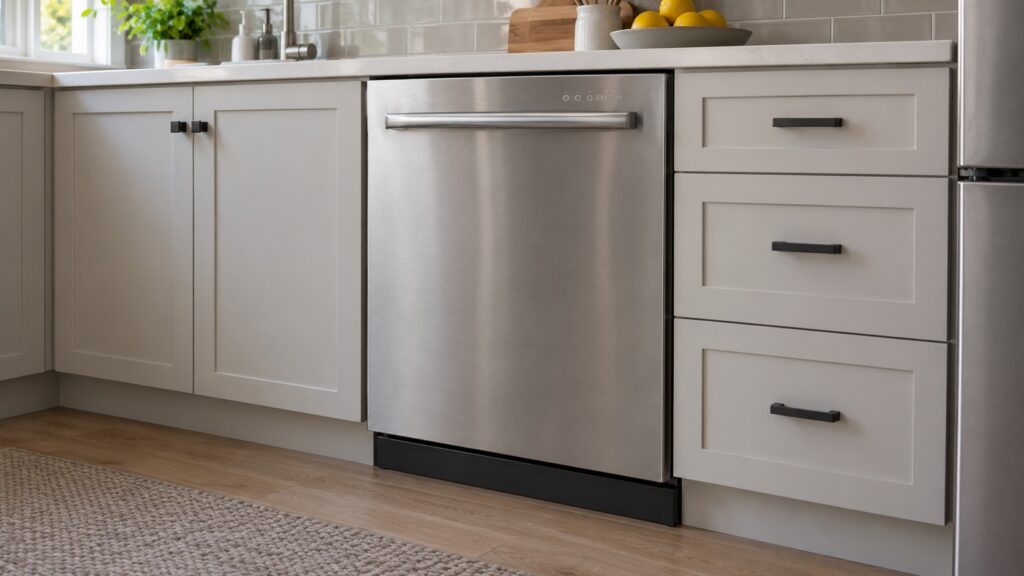
Miele DirectSelect is a label in the Controls line of Miele dishwasher model pages. On our model pages it appears in the Controls line of the G 5000 dishwashers and of three G 7000 models, and it is the term Miele uses where the flagship G 7000 models list an M Touch display instead. Our pages do not describe how DirectSelect looks or what each press does, so this glossary sticks to what the pages do say: which models carry it, how it differs from M Touch in the lineup and what to check when a dishwasher with these controls will not start.
What does Miele DirectSelect mean?
On a Miele dishwasher model page, the specification table has a Controls line. For the G 5056 SCVi that line reads DirectSelect, and DirectSelect is also named among the key features, beside EcoPower and ComfortClose. In other words, DirectSelect is a label in the Controls line of the model page. The pages do not say what the panel looks like or what DirectSelect does, so we do not say either.
Our pages do not show the layout of the panel or explain how a selection is made, and we would rather not guess. How you pick a program, how the display responds and how to lock or unlock the controls are all things your owner’s manual explains with pictures for your exact model. If you only need to know whether a model has DirectSelect, the Controls line answers it.
Which Miele dishwashers list DirectSelect?
All of the G 5000 models on our site list it: the G 5008 SCU, G 5051 SCVi, G 5056 SCVi, G 5266 SCVi SF, G 5266 SCVi SFP and G 5482 SCVi SL. Three G 7000 models list it together with automatic dosing: the G 7156 SCVi, the G 7156 SCVi SF and the G 7316 SCU, whose Controls line reads AutoDos with DirectSelect. Three other G 7000 models use M Touch: the G 7266 SCVi SF, the G 7591 SCVi and the G 7966 SCVi.
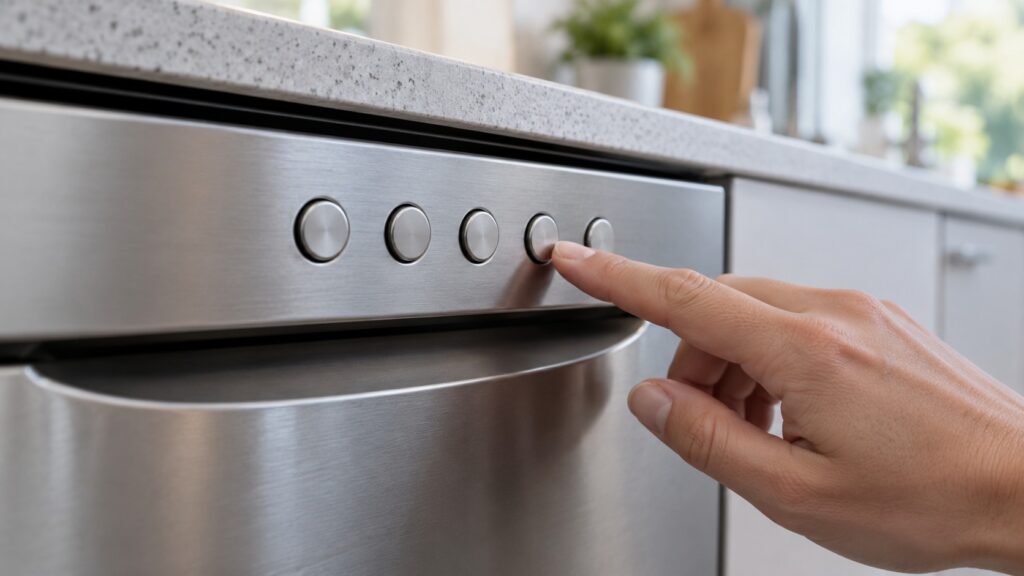
How is DirectSelect different from M Touch?
Our G 7000 versus G 5000 guide places them in the lineup. It describes the G 5000 as the value tier with DirectSelect controls, and the G 7000 as the flagship that adds AutoDos with the PowerDisk, Knock2open on fully integrated panel-ready models and an M Touch display. The model pages show it is not that tidy: three G 7000 dishwashers still list DirectSelect, so the control type does not always follow the line. Read the Controls line on the page for your own number rather than assuming from the series.
The practical point is that DirectSelect and AutoDos are separate features. A model can list AutoDos with DirectSelect, as the G 7156 SCVi does, and the pages treat dosing and controls as different entries. Our Miele G 7000 vs G 5000 guide compares the lines, and the AutoDos and PowerDisk guide covers the dosing side.
What if a DirectSelect dishwasher will not start?
When controls seem to do nothing, the cause is often not the controls. Our guide to a Miele dishwasher that will not start says a Miele dishwasher will not begin a cycle until it confirms the door is locked, so a door that is not fully shut, or a panel sitting slightly proud on an integrated model, stops it. It also lists a delay start, an active child lock or controls lock, and a tripped breaker or GFCI as common causes. Press the door firmly until it clicks, check that no delay is set and check the lock as your manual describes.
Read the display for a code and note it exactly. Our Miele dishwasher won’t start guide lists door-related codes. If a code returns after you have checked the basics, do not open panels or take the control module out. That is a technician’s job. If water has leaked toward an outlet, switch off the breaker at the panel while standing on a dry floor, and never pull a plug from a wet outlet.
What does a dishwasher control panel generally do?
On any dishwasher the control panel has three jobs: choose a program, set options such as extra drying or a delayed start, and show the machine’s status. Some designs use a row of dedicated buttons for the programs, some use a display with touch selection. A brand’s name for its control system describes how those jobs are laid out, not whether the dishwasher cleans differently.
What each press does on your exact model, and what the display symbols mean, is in the owner’s manual. When you compare two dishwashers, compare the programs and options each one lists, not just the name of the control panel.
How do you know which controls your dishwasher has?
The model page for each number is the quickest check, and it also lists the other key features, so you can see at a glance whether the machine has dosing, a hands-free door opening or a different control system.
Look at the model number on the data plate, usually on the door frame or the side of the door, and compare it with the model page on our site. Our Miele dishwasher tips guide has routine habits for any of these models, and the Miele dishwasher repair page explains what a visit covers. If you are not sure which control system your machine has, send us the model number when you book.
Whatever control system you have, keep the owner’s manual where you can find it. It is the only source that shows the exact panel, the program names and the lock procedure for your number. If you have lost it, note the full model number and ask us or the manufacturer for the right document before you start pressing keys in search of a setting.